
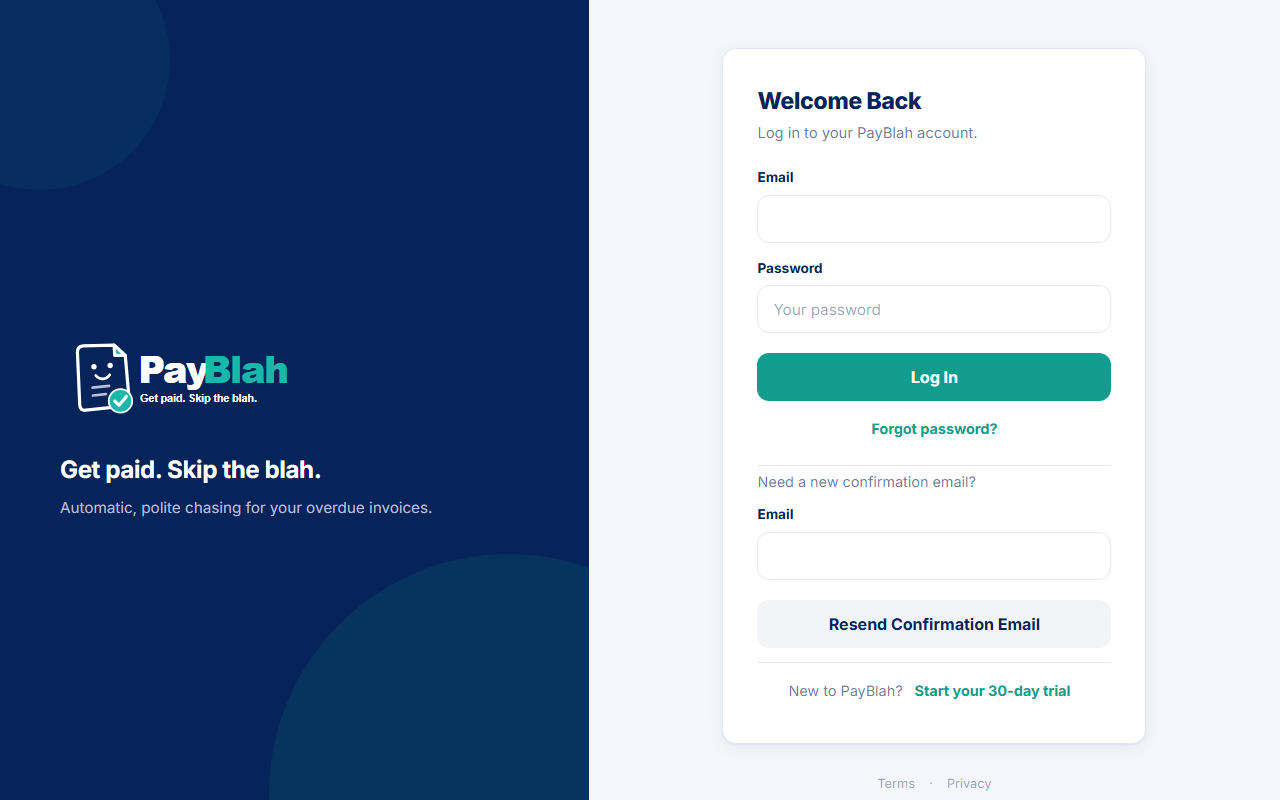
Signing in opens your workspace. You always sign in as a staff user. PayBlah does not sign in as your customers, and logging in does not send them anything.
Who can do this
- Anyone with a confirmed PayBlah login. Unconfirmed mailboxes cannot open a session.
- After mailbox confirmation, email sign-in codes are on. You will usually see a second screen.
- There is no customer-facing device list. Do not look for a “log out other devices” page.
Enter email and password
- Open /app/login. The heading is Welcome back.
- Enter Email and Password.
- Click Log in.
One more step (sign-in code)
A correct password with any enabled factor parks a pending challenge. It is not a full session yet. You go to /app/login/verify.
- Read the heading One more step.
- If email codes are on, you can click Send code to email. A code may already have been sent when you submitted the password.
- Enter the 6-digit email or authenticator code, or one recovery code, in the same box.
- Click Verify.
- Wrong person? Click Start again to abandon the pending sign-in.
If you belong to more than one workspace, you then see Choose a workspace. Pick the Business and click Continue.
What you should see
After a full sign-in you land on the Dashboard (or setup, if you still need to finish it). Main nav includes Dashboard, Invoices, Customers, Workflows, Activity, Reports, Settings, and Support. Payment Plans appears when that feature is on for the workspace. The sidebar kicker is Payments · Last 30 Days. Use Switch Business when you need another workspace.
A session stays usable for about 2 hours of idle time. It ends after 12 hours from the moment it was issued, even if you keep clicking. Sign in again when that happens.
If something goes wrong
- Unknown email or wrong password both show: That email and password do not match an account. Use Forgot password? if you need a new password.
- Unconfirmed mailbox: confirm first, or use Resend confirmation email on the same page.
- Workspace still preparing: wait a minute and try again.
- New to PayBlah? Start your 30-day trial on the login card.
- Cannot reach email or authenticator: use a recovery code in the same One more step box. Do not turn factors off to bypass a sign-in. A workspace Admin cannot clear another person’s two-factor from the product.
What this does not do
- It does not send reminders.
- It does not sync accounting until a connection is live.
- It does not skip One more step while email or authenticator codes are on.