
How it works
From connected books to collected invoices
Set up in an afternoon. Review what would send. Then let the polite chase run — and stop on payment.
Current availability: Import is CSV/XLSX today; Xero, QuickBooks Online and Sage production OAuth is not launched. SMS is coming soon.
Connect
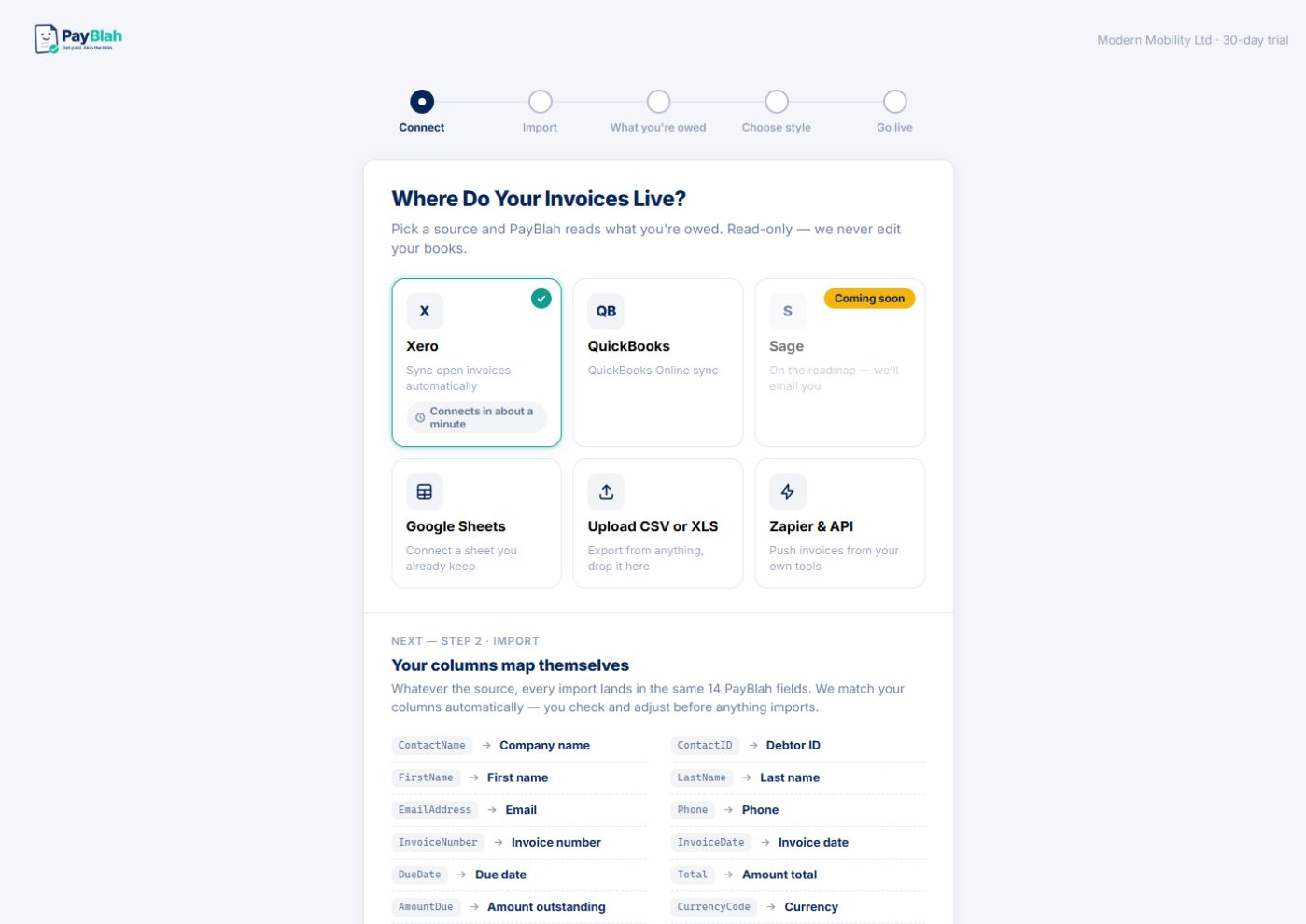
Plug in the books you already keep
Import CSV or XLSX or enter invoices by hand today. Xero, QuickBooks Online and Sage connectors are coming soon — we will not claim them live until each one ships. No accounting software? Upload a spreadsheet — the column-mapping wizard remembers your layout, and duplicate detection stops one customer from becoming three records.
You do this once · about ten minutes
Review
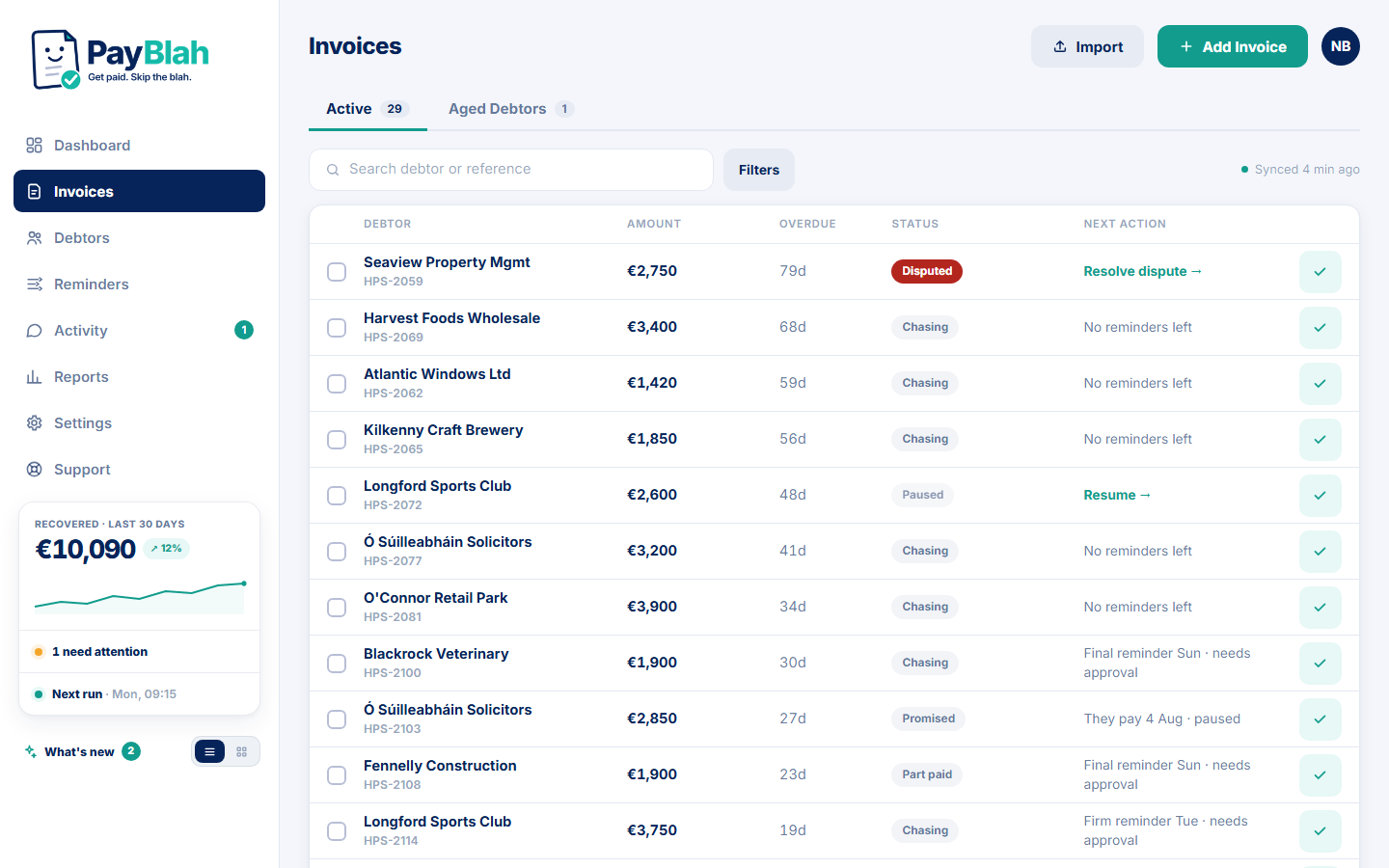
See your whole overdue book in one register
Every overdue invoice lands in an aged register — six aging bands, a “next action” column, and search and filters that actually help. Nothing is being chased yet; this is just the first honest look at where the money is.
PayBlah does this · automatically
Choose your voice
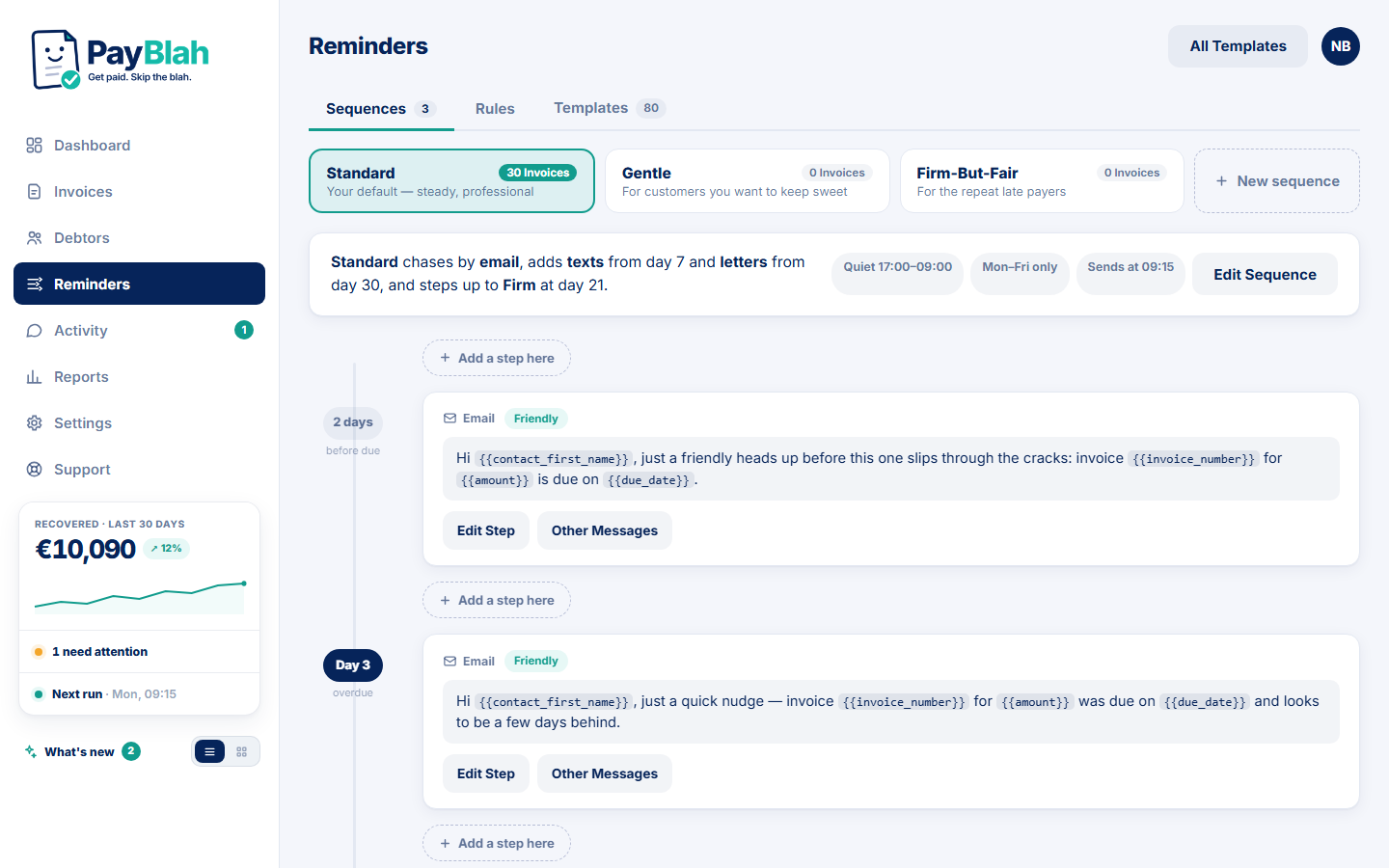
Pick a Workflow Pack, make it sound like you
Choose a Workflow Pack — gentle, standard, or one you build yourself — and edit any message word for word. Set quiet hours, weekends off, a minimum amount, and flag the customers who should never be chased at all.
You decide · every word is editable
The first-run review
Nothing sends until you’ve seen the plan
Before go-live, PayBlah lays out exactly which invoices would be chased and what each message says. Approve it and the chase begins. Prefer to sign off every single send, forever? Switch the account to approve-first mode — and the kill switch is always one click away.
You approve · nothing surprises you
It runs
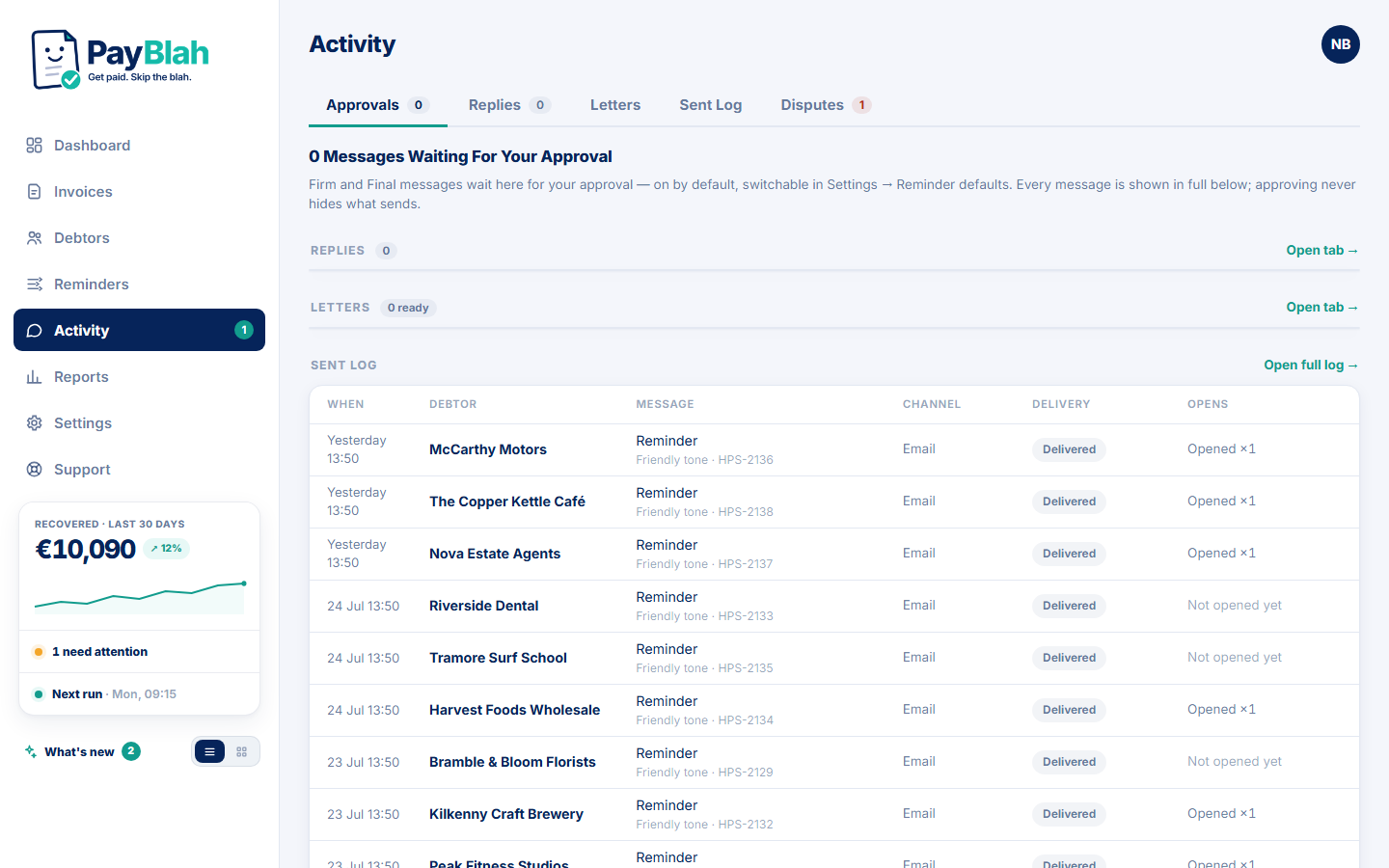
Polite, persistent — and it knows when to stop
Follow-up messages go out on schedule, in your name, over email. SMS is coming soon and is not a live customer channel at launch. The moment anything needs judgement, the chase stops and asks you: a payment or part-payment halts it, a reply pauses it for triage, a dispute freezes it, and firm wording waits for your approval before it goes anywhere.
PayBlah does this · and stops on payment, replies & disputes
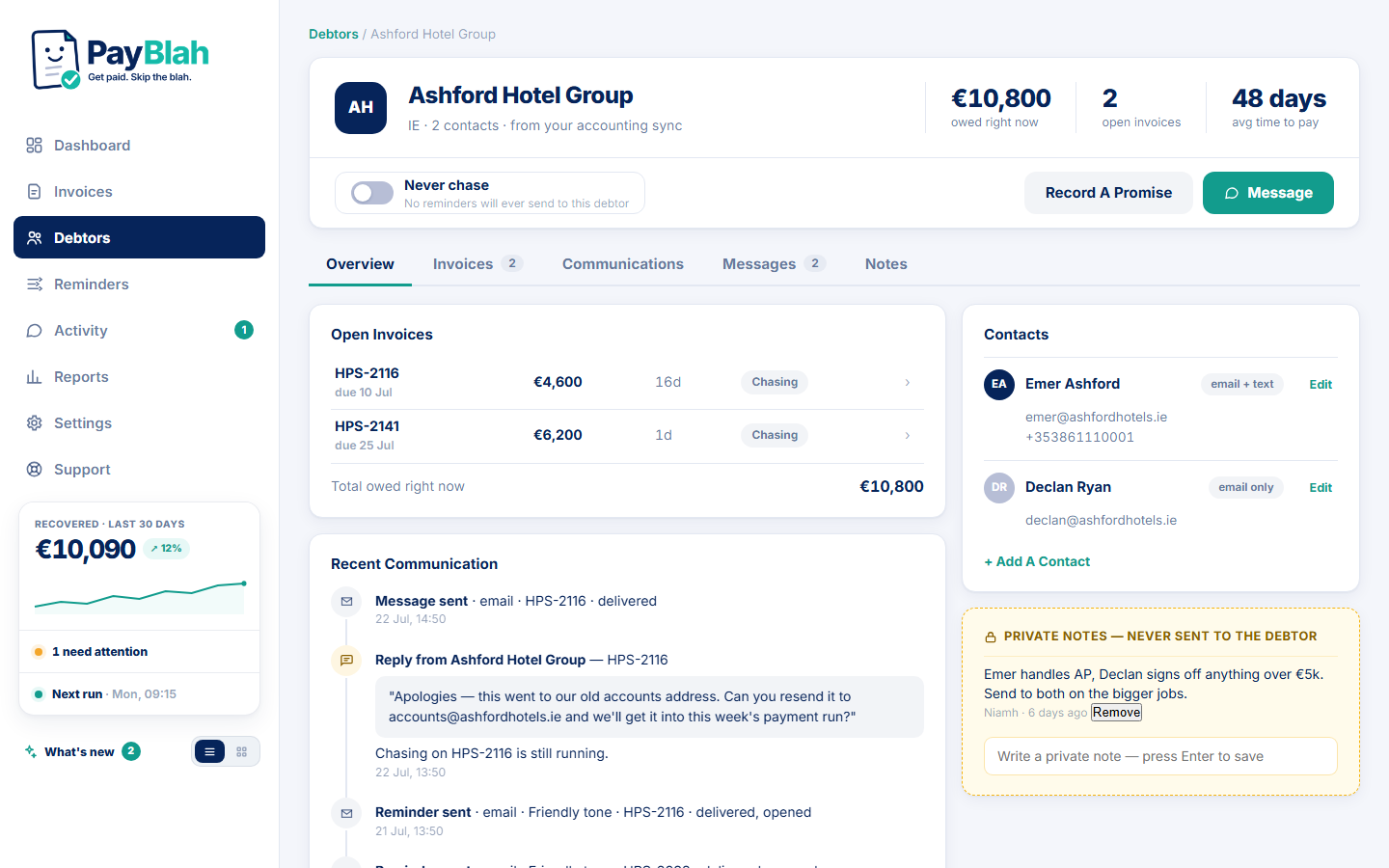
Money lands
Watch it come in — counted honestly
The dashboard shows what’s overdue, what’s being chased, and what came in. Payments recorded is every overdue payment in the period. Paid after reminders is the narrower subset paid within 14 days of a sent or delivered reminder, or through a PayBlah payment link. Neither figure means PayBlah caused the payment.
PayBlah does this · attribution you can stand behind
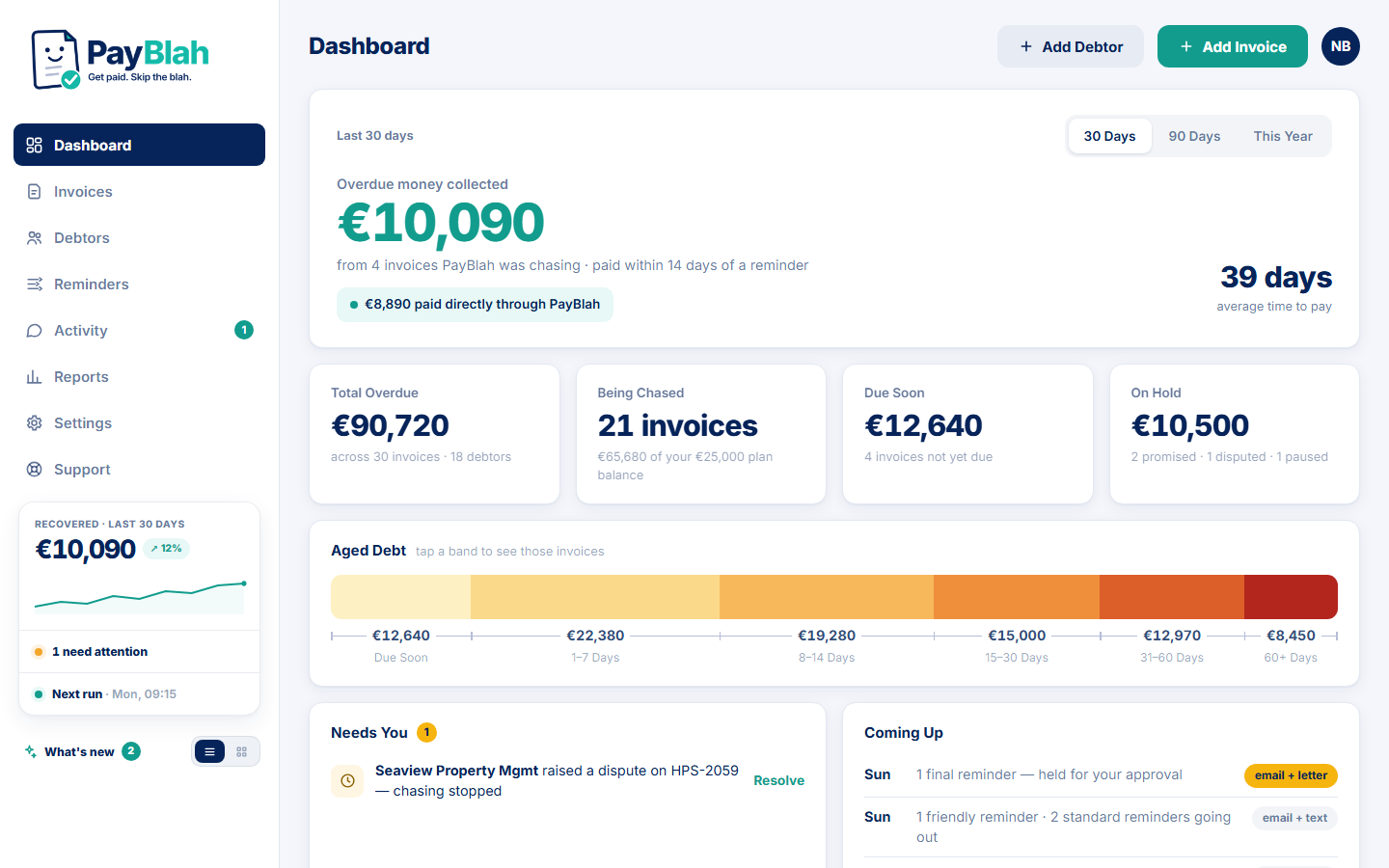
And some mornings, the dashboard just says it: nothing overdue. Nice.

Go deeper
Same journey — tailored for your trade
Dedicated pages for construction, electrical, agencies, wholesale, and dozens more. Plus practical guides on late B2B payments, reminder tone, and accounting sync.
Browse industries Guides & ResourcesAn afternoon to set up. Years of evenings back.
Import your invoices and walk through it on your own book — nothing sends until you say so.