Email on every plan
Launch is email-first on every plan. SMS texting is coming soon and is not a live customer channel yet — do not plan on SMS allowances at signup.
Starter+
Product
Day-by-day Workflows in your name. Friendly first, firmer only with your approval. Quiet hours, never-chase flags, and a kill switch on every plan.
How Workflows work
Most late B2B pay is process, not spite. A reminder Workflow that follows the same polite journey every time is easier to defend than a furious email on a bad Friday.
You pick a Workflow, edit the wording, set quiet hours and contactable days, and decide who is never chased. Firm and Final steps always wait for a person in Approvals — that hold is not optional.
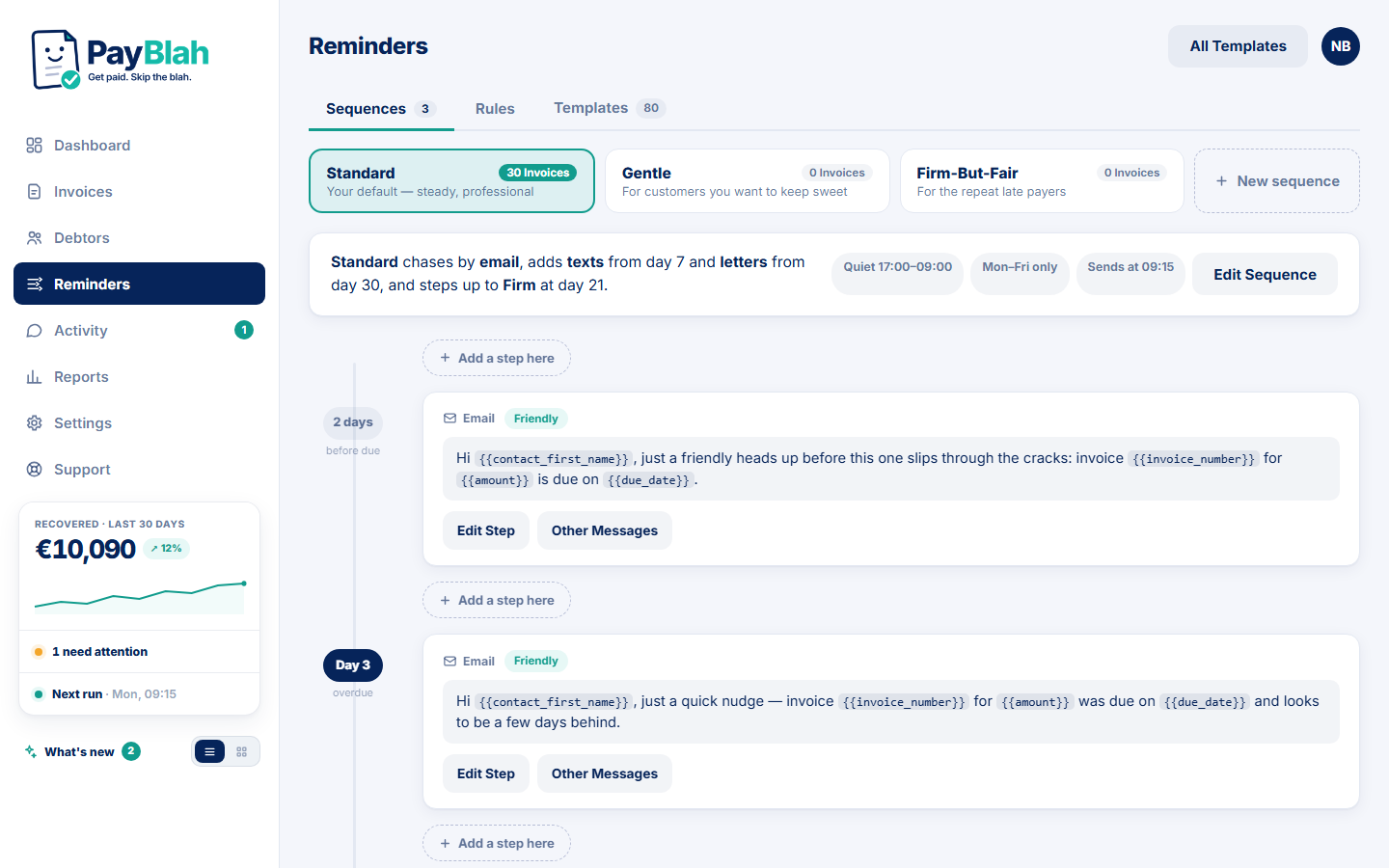
Availability: Email is the live channel; SMS is coming soon.
Launch is email-first on every plan. SMS texting is coming soon and is not a live customer channel yet — do not plan on SMS allowances at signup.
Starter+Recorded payment, part-payment, dispute, promise and manual pause stop the chase. An untriaged reply holds the next send until a person handles it.
Every planNew accounts can see exactly what would send before anything leaves. Surprises are a product bug, not a feature.
Every planPlans limit concurrently active invoices enrolled at once (Starter 25 · Growth 100 · Pro 250 · Business 500 — same count in every currency). Import is unlimited; need more space? Upgrade the plan or talk to us — capacity is not metered as money-processed overage.
See PricingCustomer portal → · Message templates → · Vs a collection agency →
Import invoices (CSV or XLSX), open first-run review, and decide what sends.