Integrations

QuickBooks Online and PayBlah

Sync overdue invoices from QuickBooks Online into PayBlah and run polite reminder ladders without double entry.

QuickBooks Online

Keep the chase list honest

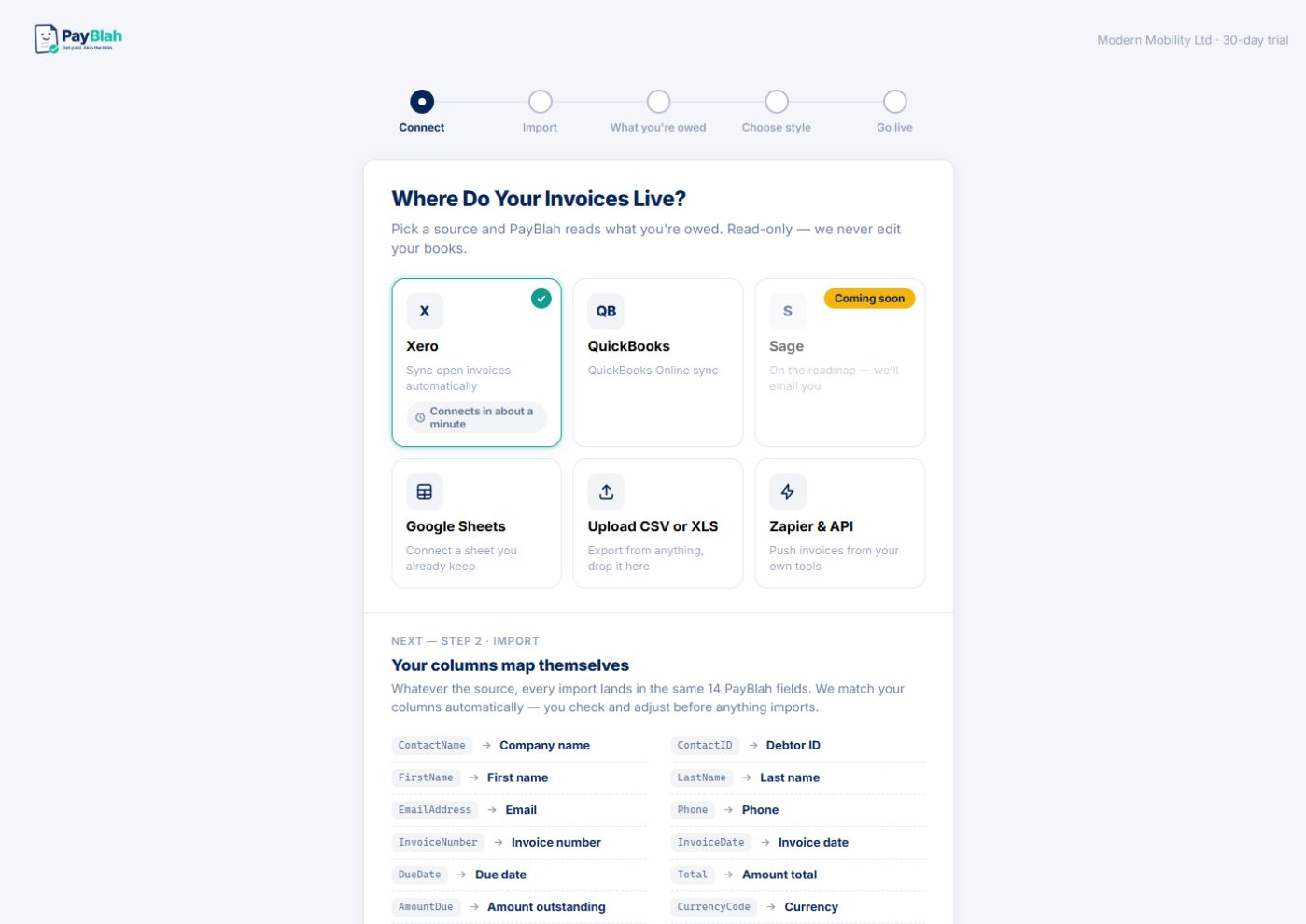
If your open invoices live in QuickBooks Online, that is where the chase list should start. PayBlah connects so overdue balances and customers come across without a weekly export ritual.

The point is simple: when QBO shows paid, the reminder ladder should not keep firing. When something is overdue, it should appear where you decide the next action.

Setup is meant for operators and bookkeepers — not a six-week IT project.

PayBlah connect screen showing accounting provider options including QuickBooks

What you can expect

  • Overdue invoice and customer sync from QuickBooks Online
  • Register sorted overdue-first with next-action clarity
  • Works alongside the same safety rails on every plan
  • Spreadsheet import remains available if you ever need a fallback path

What this is not

  • Not QuickBooks Desktop-specific marketing — this page is about QuickBooks Online
  • Not automatic writing of your invoices for you inside QBO
  • Not a success-fee collector layered on top of QuickBooks

Connect QuickBooks Online on a free trial

Nothing firm sends without you. You stay the creditor.